
Rocket Blob
A silly space game for little kids, art directed by a 4-year-old.
Coming soon to the App Store
iPhone · iPad · Mac · Ages 5 and under
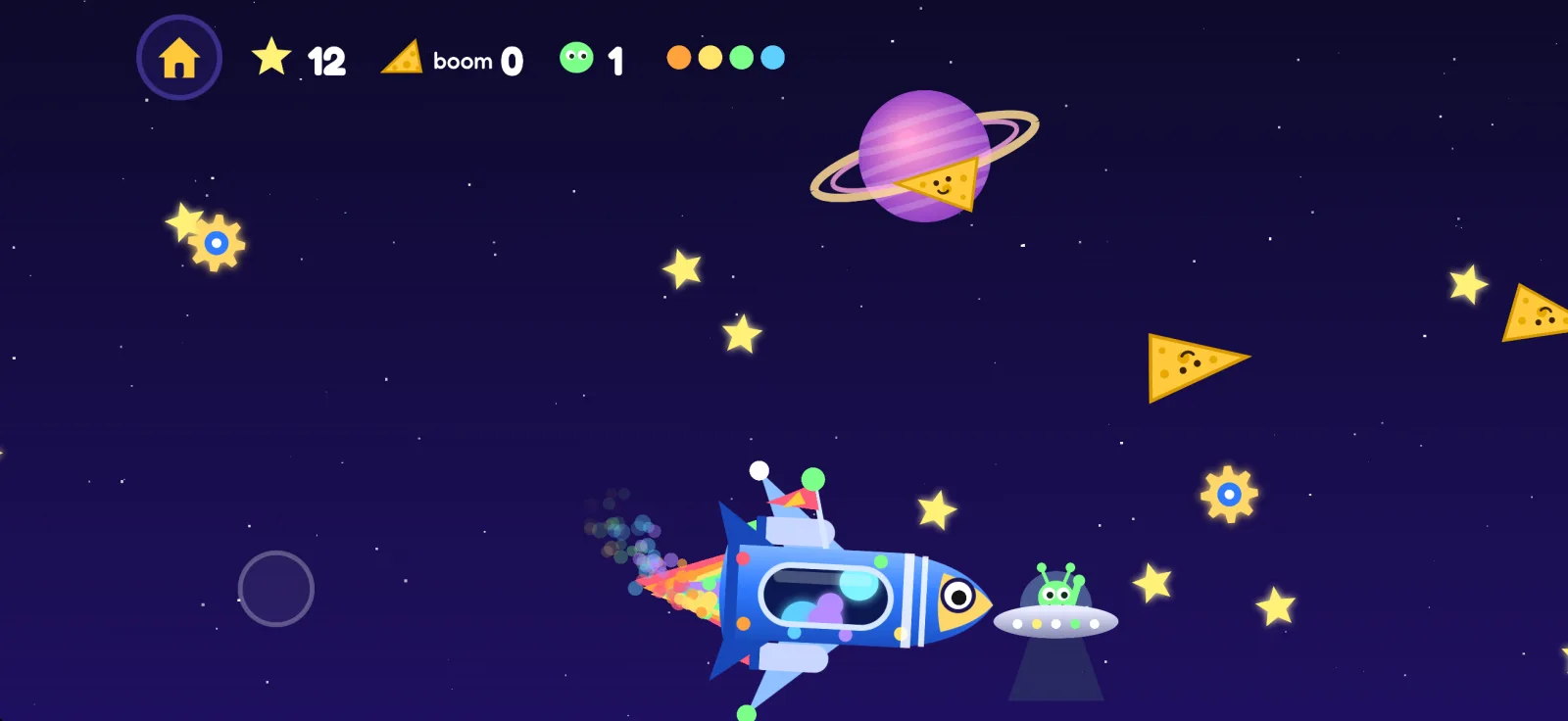
A silly space game for little kids, art directed by a 4-year-old.
iPhone · iPad · Mac · Ages 5 and under
Drag anywhere to fly. No reading, no rules to learn, and nothing sad. Ever.
Twinkly stars everywhere. Grab as many as you can!
Cheeky grinning cheese floats by. Don't bonk it!
Wave to aliens in saucers, toasters and rubber ducks.
Collect rocket parts and grow all the way to a rainbow rocket.
Bump something and your rocket bounces right back. No game over.
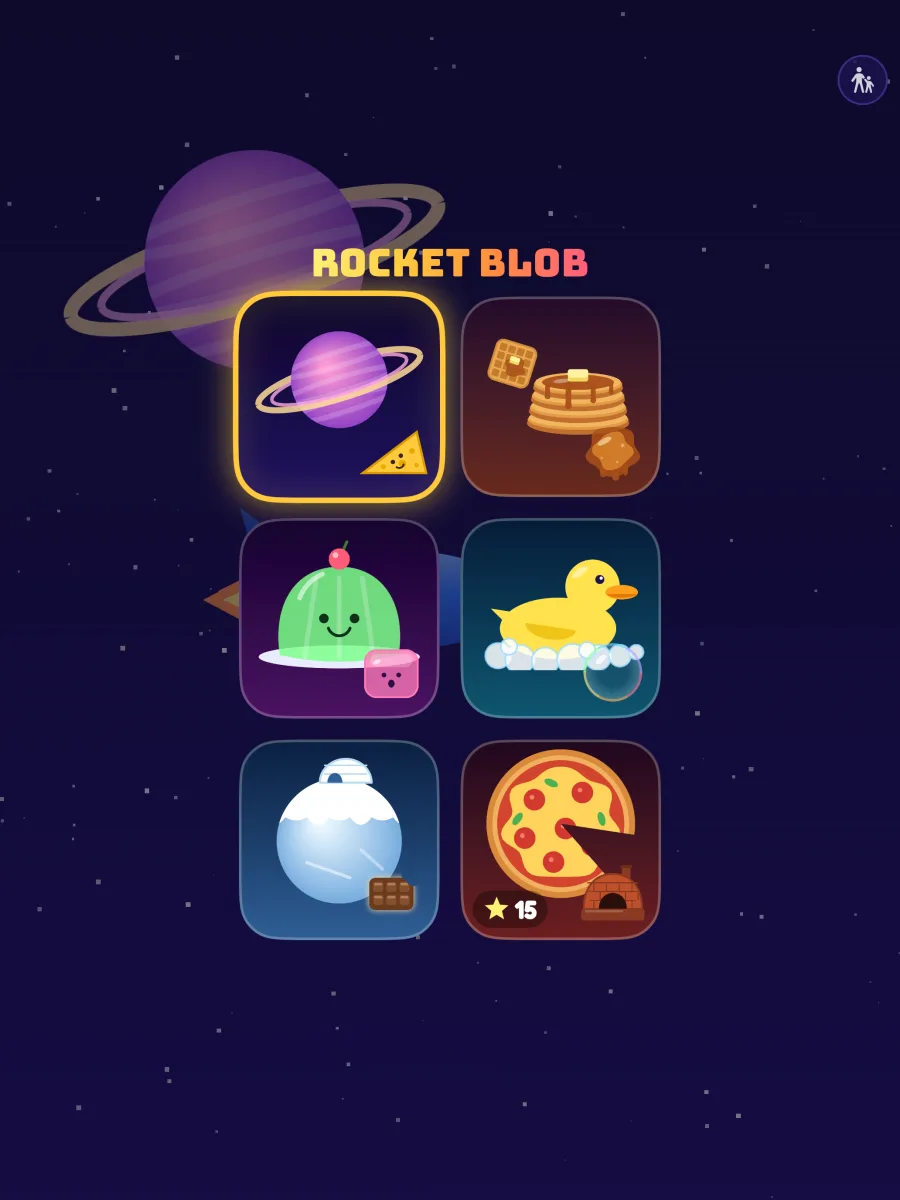
Every zone has its own sky, its own silly things to dodge, and its own high score.
The classic. Grinning cheese, a ringed planet and a saucer full of friends.
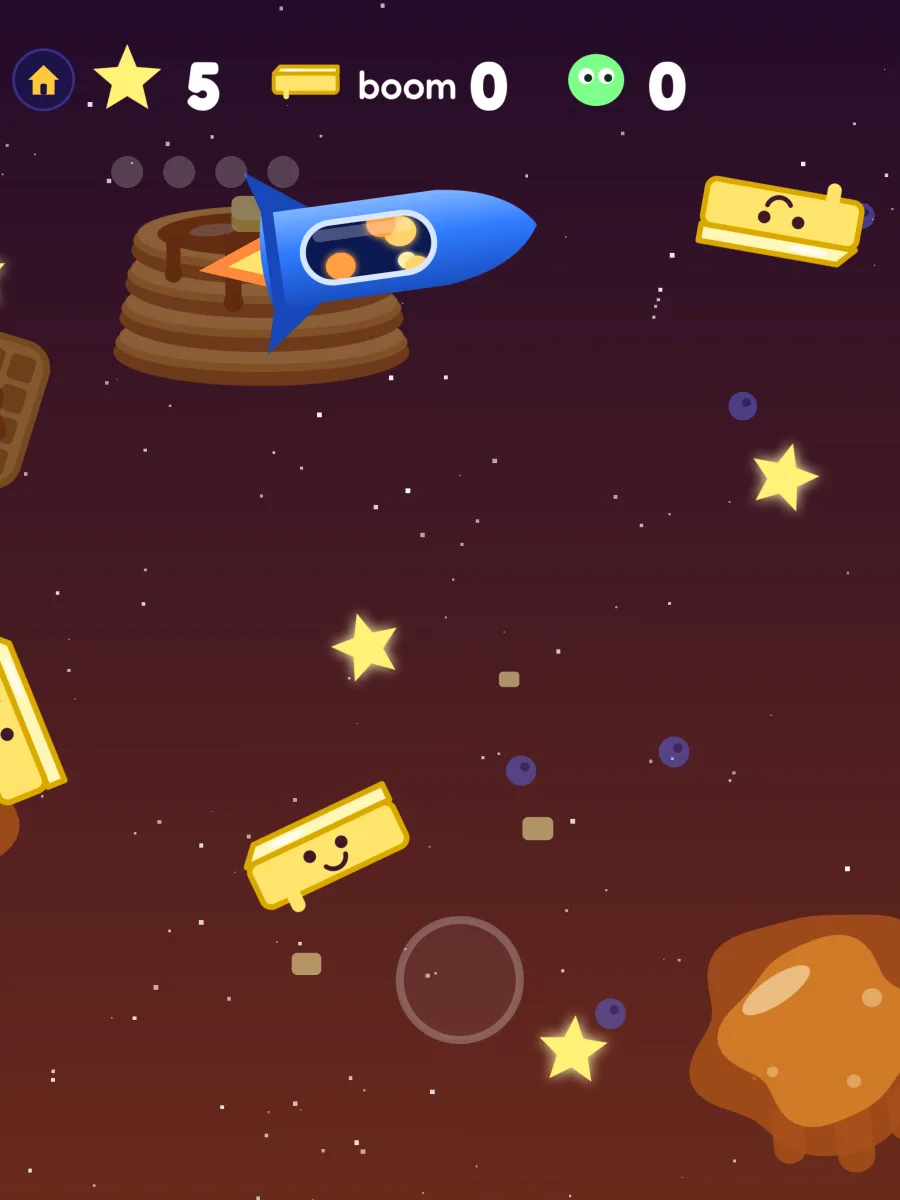
Dodge flying butter and don't get stuck in the sticky syrup puddles.
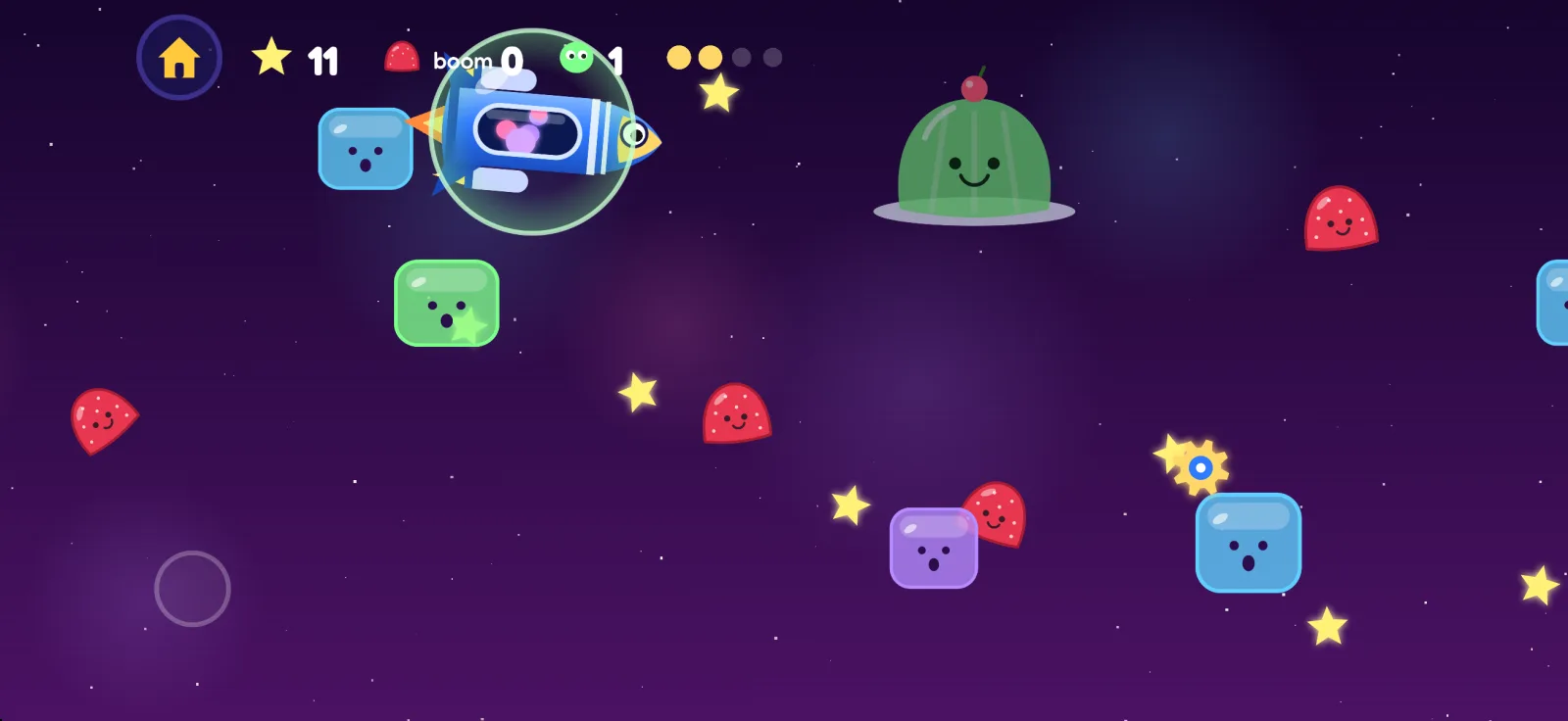
Gumdrops everywhere, and wobbly jellies that boing you across the sky.
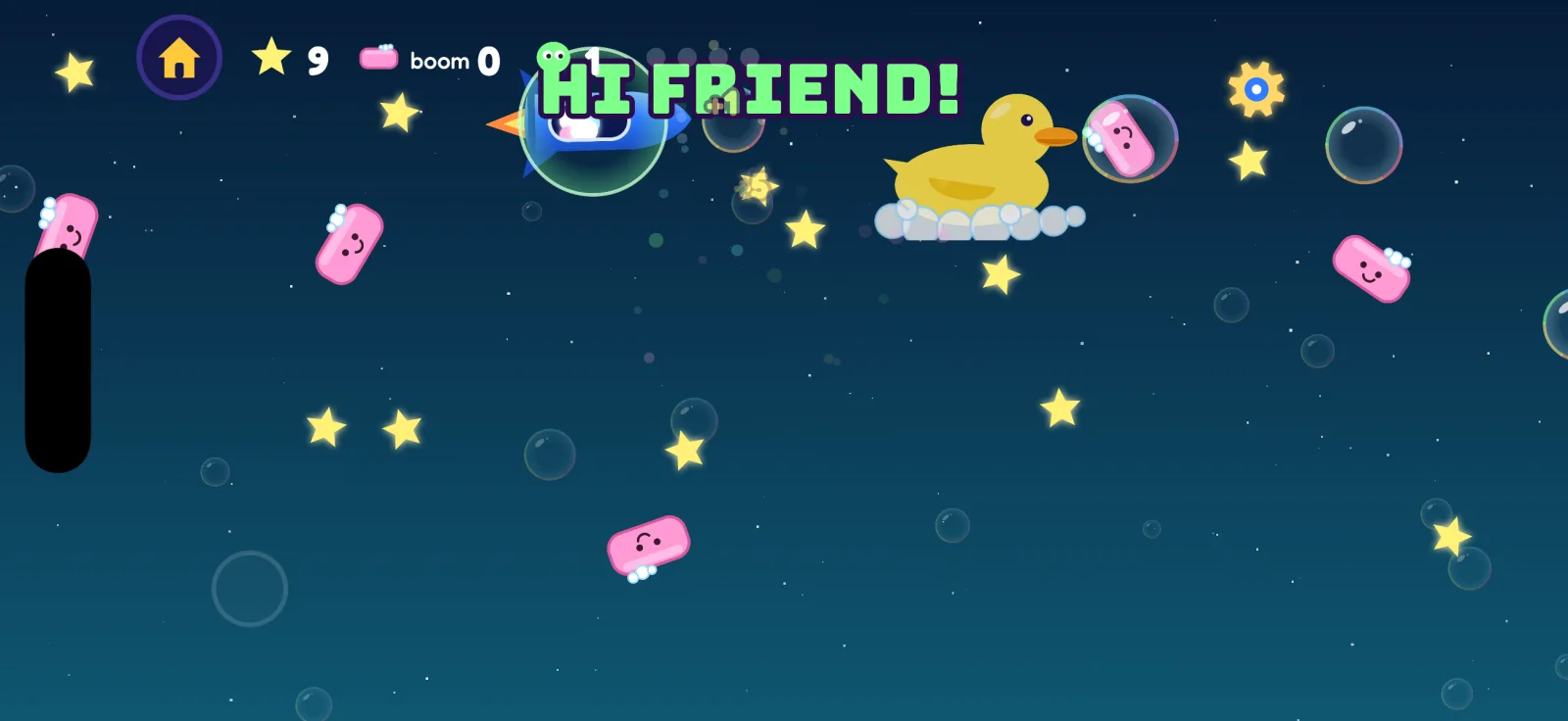
Soap bars, a giant rubber duck, and bubbles that pop into stars.
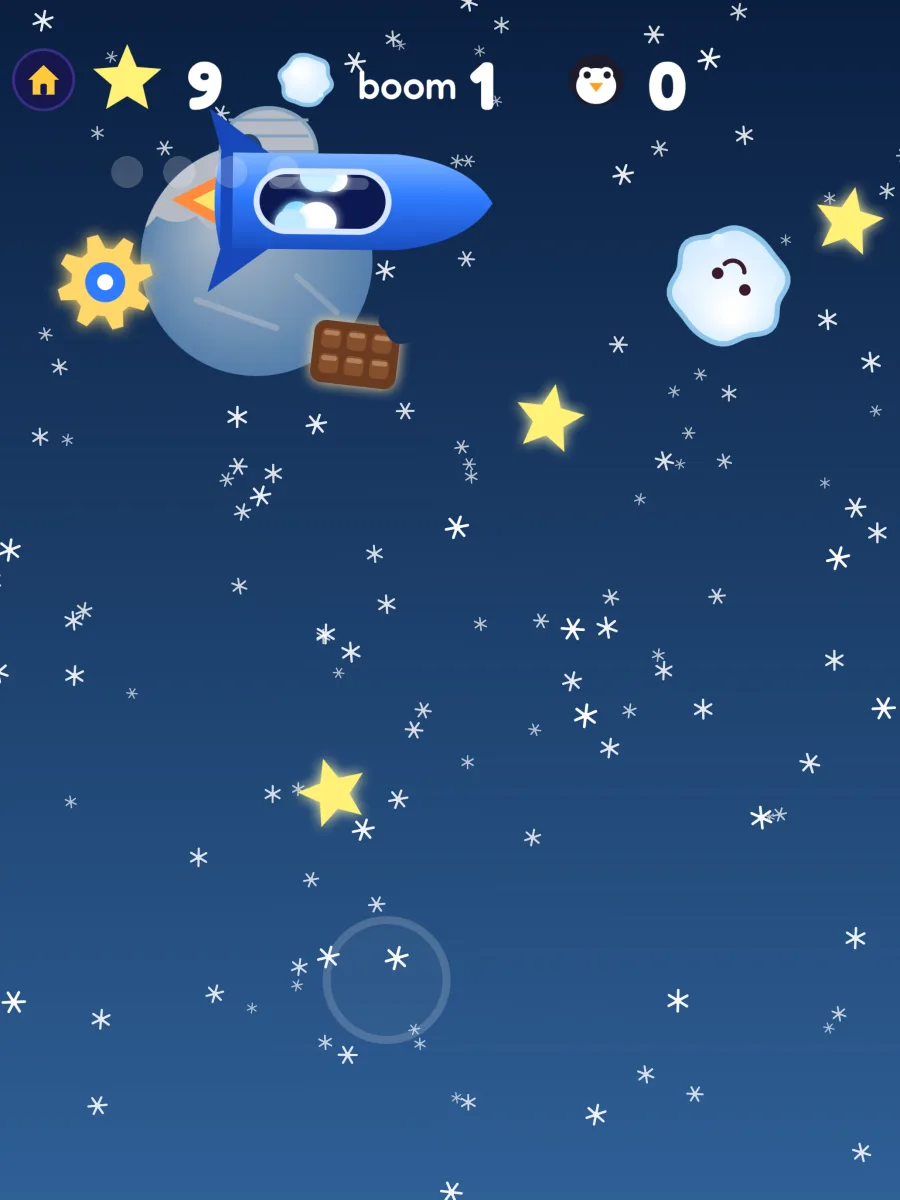
Falling snow, flying snowballs, penguin pals and chocolate to catch.
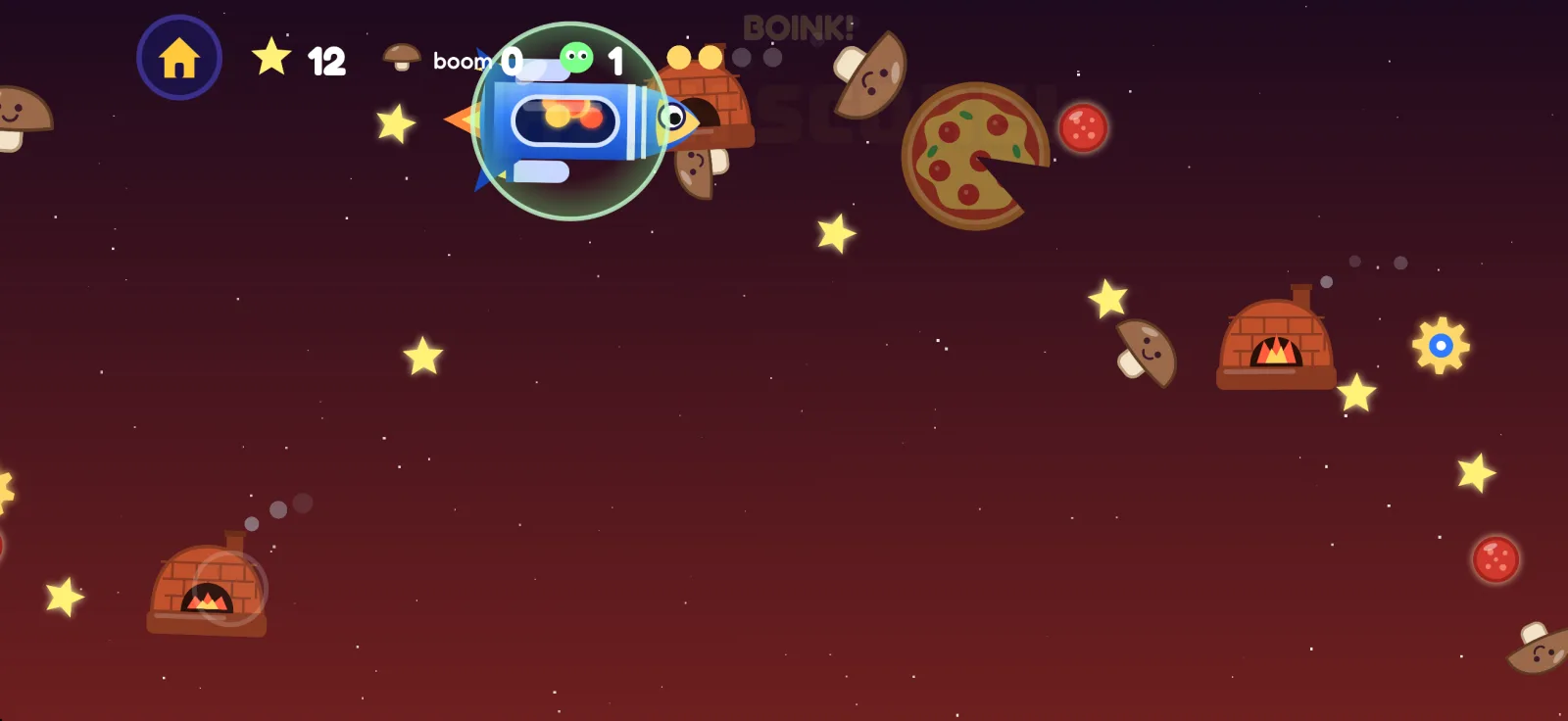
Mushrooms, pepperoni and silly hot ovens. Grab a bubble to stay safe!
Made by a parent and a very serious 4-year-old art director.
Answers for grown-ups.
On the home screen (where you pick a zone), tap the round button with two figures in the top-right corner, then answer the grown-up question. Settings include unlocking zones, Restore Purchases, turning sounds off, rating the app and acknowledgments.
Open the grown-ups settings and tap Unlock. It's a one-time purchase that unlocks every zone, including zones added in future updates. When a child taps a zone with a padlock, the grown-ups button gives a little bounce to show where to go.
Sign in with the same Apple Account, open the grown-ups settings and tap Restore Purchases. The purchase works on iPhone, iPad and Mac, and with Family Sharing turned on, the rest of your family gets it too.
Open the grown-ups settings and switch Sounds off, or turn the device volume down.
Yes. Turn on No-Fail Mode in the grown-ups settings. There are no KABOOMs: a bump can still shrink the rocket a size, but the smallest rocket just boinks cheese, snowballs and everything else away, and ovens never get it stuck.
That's the best part. When the rocket bumps into something it goes KABOOM and bounces right back, so there's no game over and nothing to be sad about.
None. High scores and settings stay on the device. See the privacy policy.
Still stuck, found a bug, or have a zone idea from your own little art director?